
Affiliate Disclosure: This page contains FTMO affiliate links. I may earn a commission when you sign up or purchase a challenge through my link, at no extra cost to you. Risk Warning: FTMO provides simulated trading evaluation service only. This is NOT investment advice. Simulated results do not guarantee future profits. Trading carries high risk. Please read FTMO official terms and risk disclosure carefully before purchase.
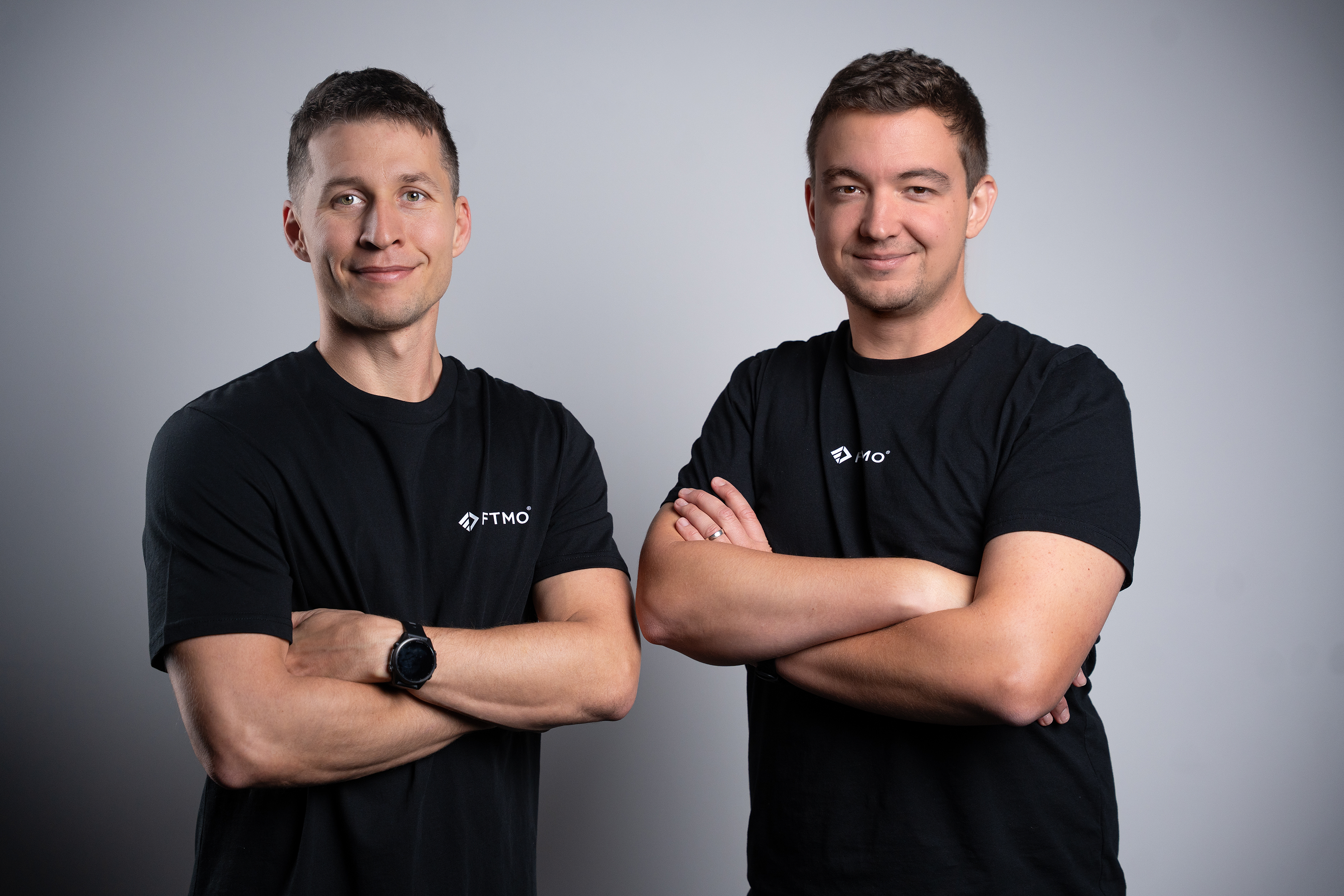
FTMO was founded by Otakar Šuffner and Marek Vašíček in 2015 and has a history of more than ten years. It acquired the well-known broker OANDA and holds multiple licenses (including those from the United States, the United Kingdom, the European Union, Australia and Japan). The company's founders are the two individuals below:
FTMO has an excellent rating of 4.8 on Trustpilot.
FTMO Reviews | Read Customer Service Reviews of ftmo.com

Global referral link:https://join.ftmo.com/AztVloBeTXKnXCdGvpJC
Global code:AztVloBeTXKnXCdGvpJC
US referral link:https://join.ftmo.oanda.com/AztVloBeTXKnXCdGvpJC
US code:AztVloBeTXKnXCdGvpJC
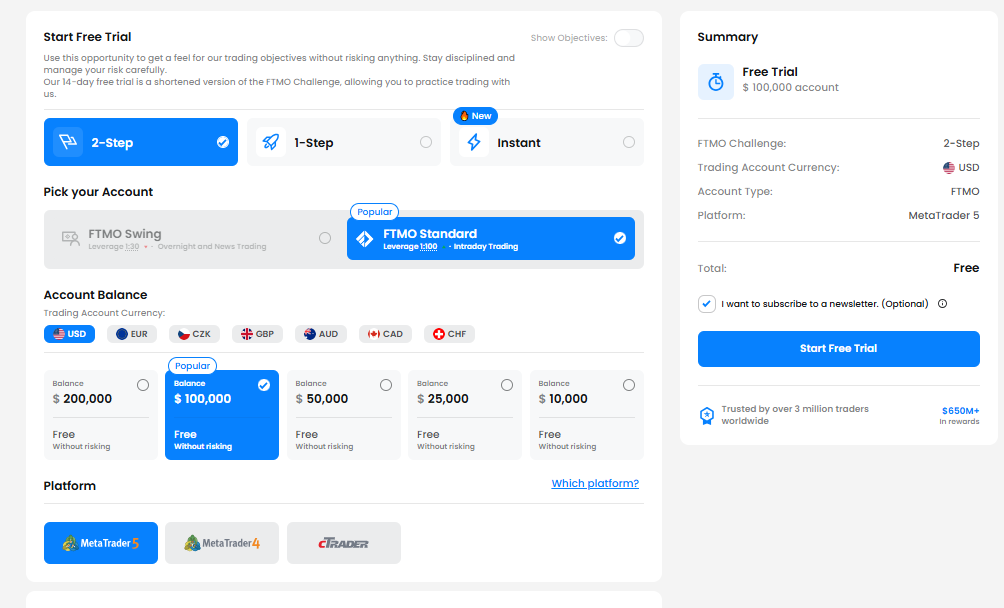
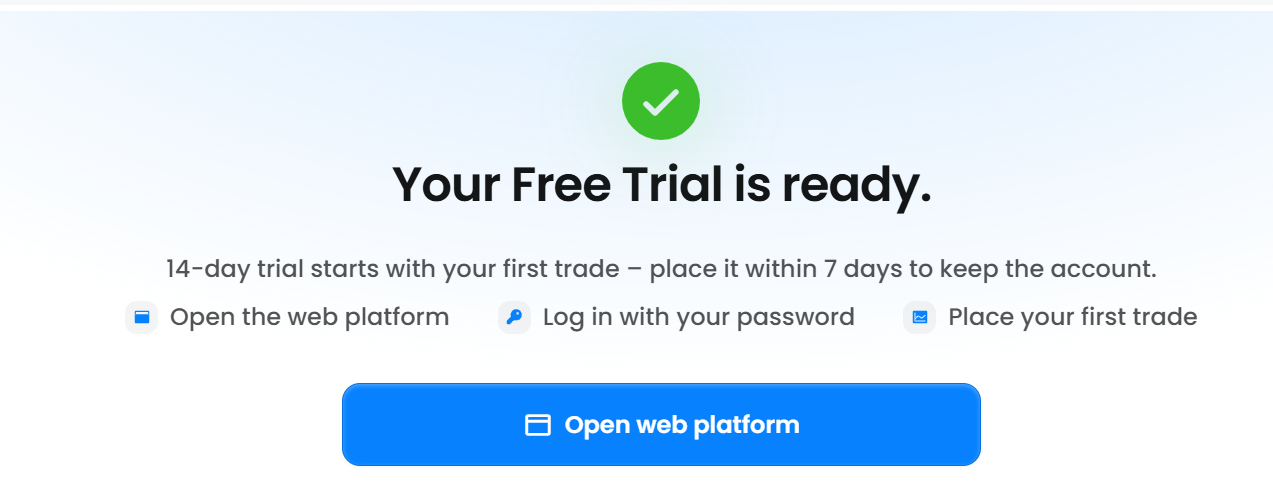
The account selected for this trial is the 2-step account, with simulated funds of 100,000 US dollars.
You can copy the account and password in the area shown in the figure below, and the server is FTMO-Demo.
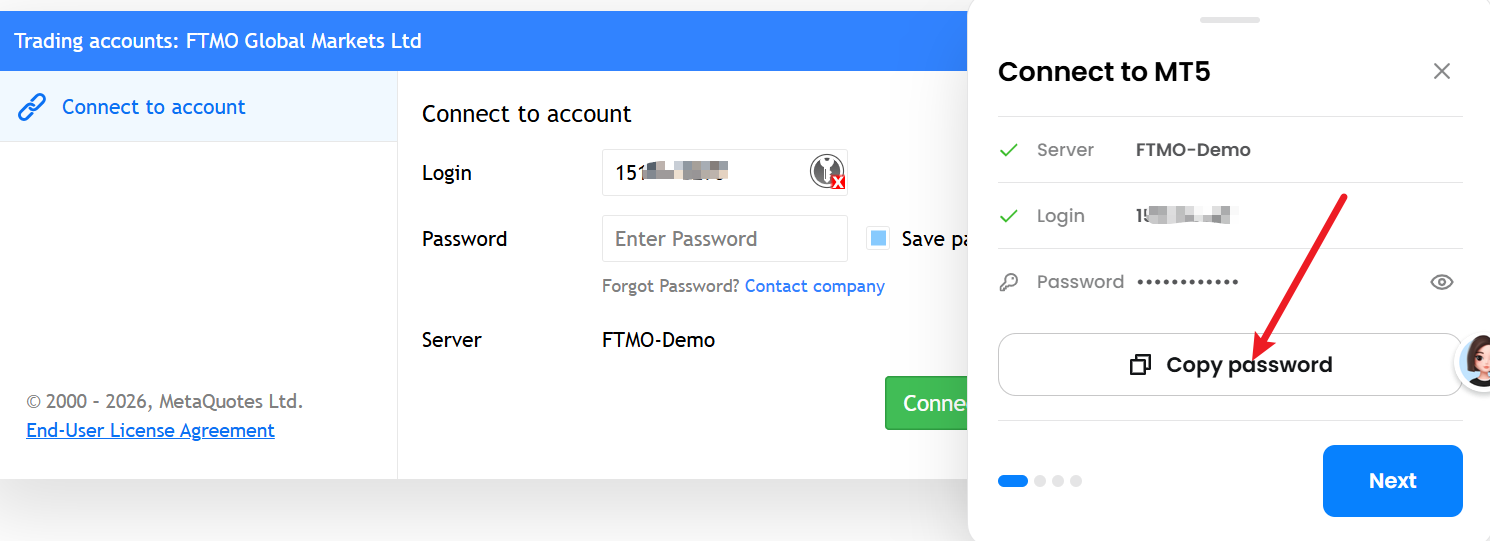
You may download the official MetaTrader 5 or MetaTrader 4 from FTMO, and you can only use the platform you initially selected.
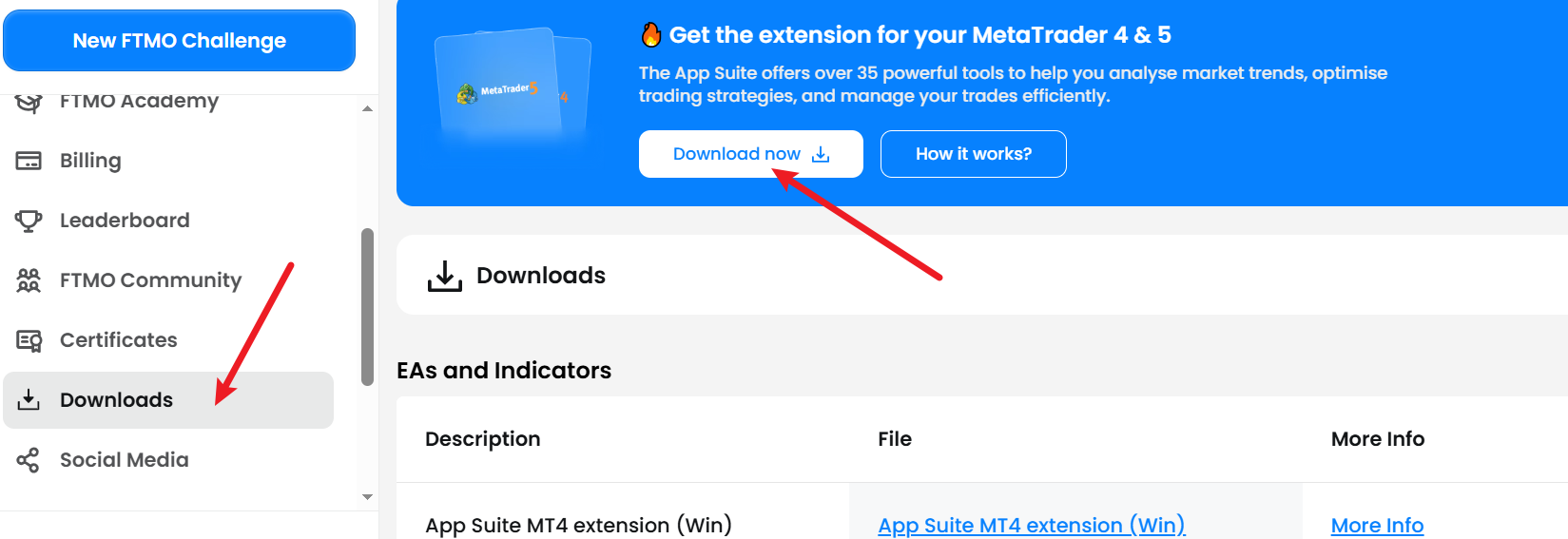
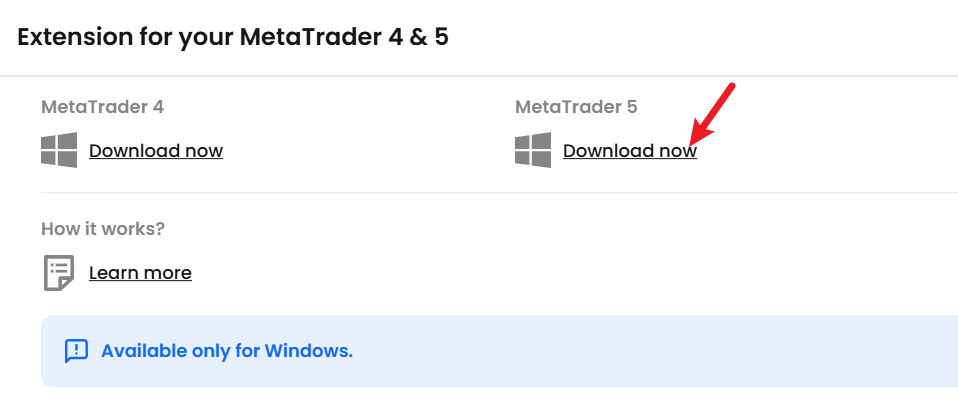
You can also download the official MetaTrader 5.
Download the MetaTrader 5 platform for trading on financial markets - MetaQuotes
If you forgot your account information last time, you can open this webpage to check.

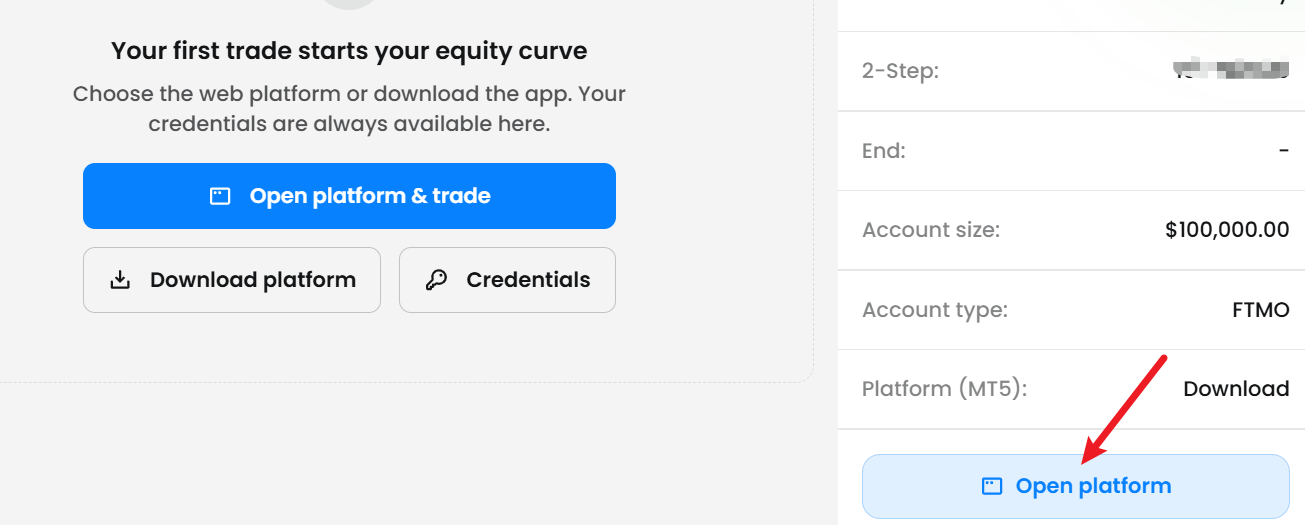
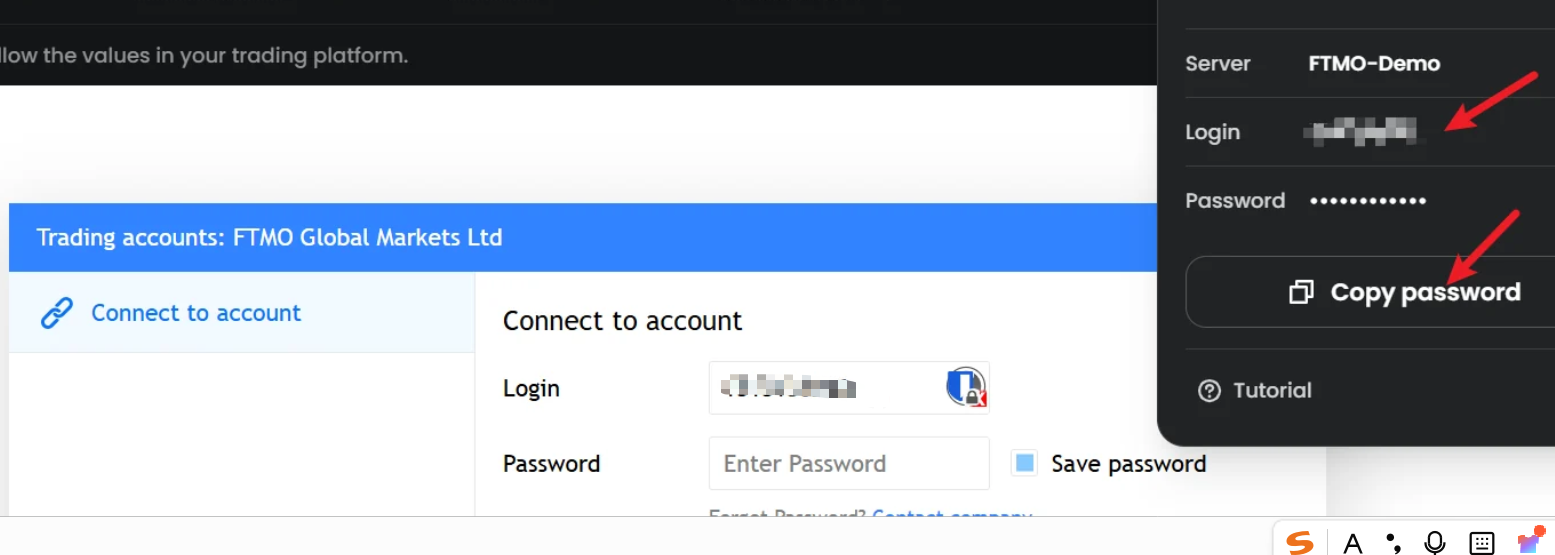
This interface leads to the MetaTrader web version, which is convenient for those who do not want to or cannot install MetaTrader.
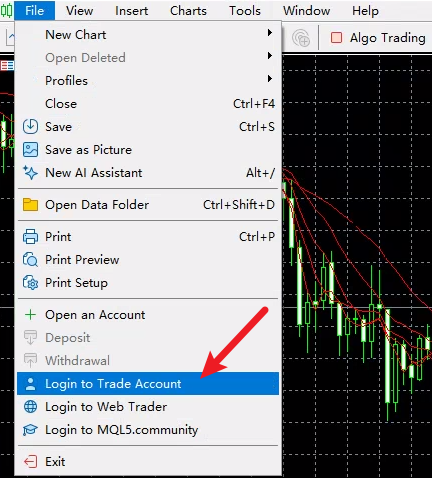
If you want to use MetaTrader 5, open the software, go to the File menu and select login to trade account.
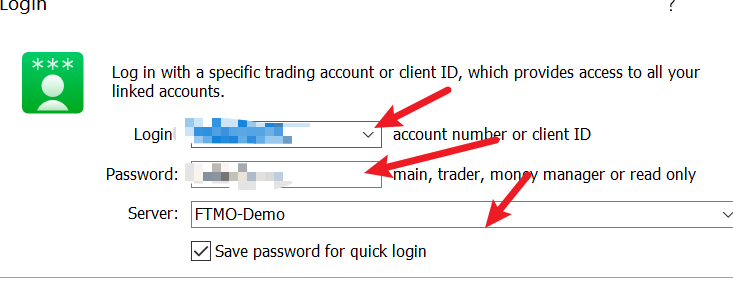
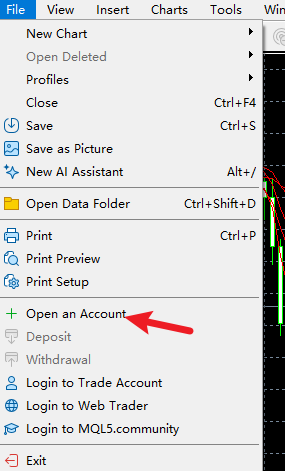
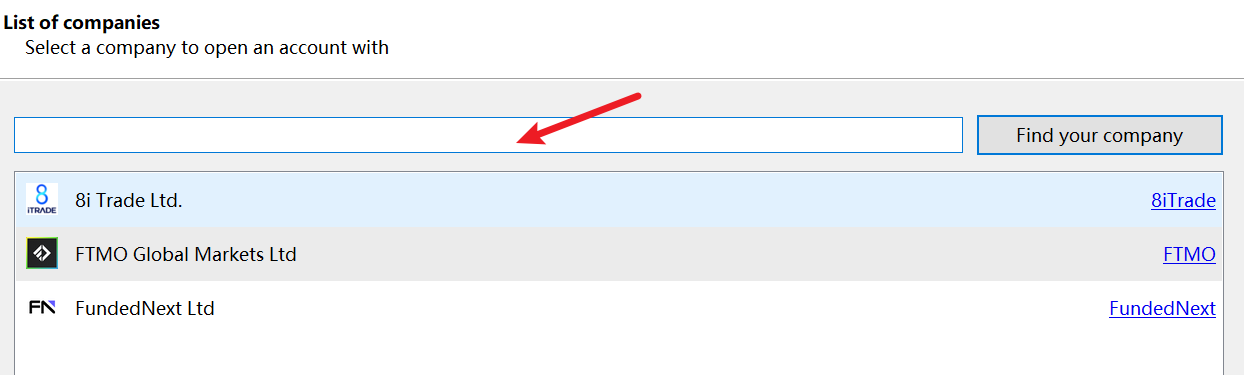
If there is no server address in the MetaTrader 5 server dialog box you are using, you can select open an account to add the server list.

You can now learn how to trade. Wish you a pleasant trading experience!
(END)
Comments
Join the discussionNo comments yet. Be the first to comment.